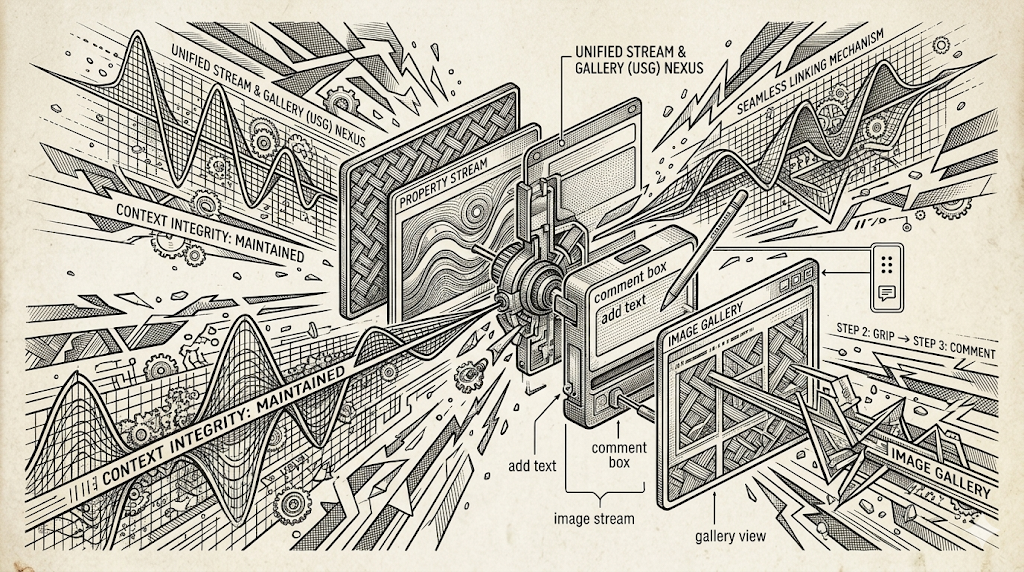
Commenting on Stream Photos — Now Much Easier
I’ve made a significant improvement to how comments link to images directly in the property streams.
The Old Way
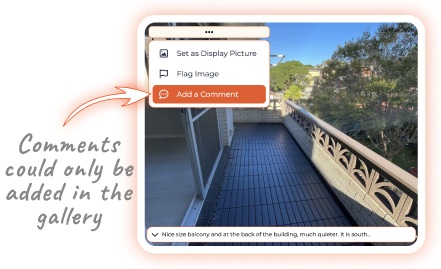
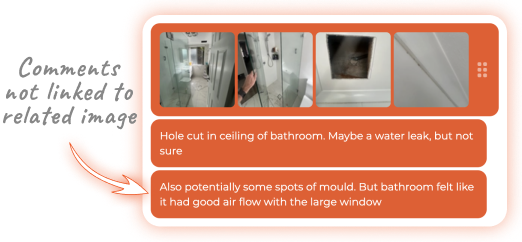
Previously, after uploading multiple images, you had to go into the gallery just to add comments to photos. Those comments didn’t appear in the main discussion stream, so they were generally just added below the image block in the stream — but then these messages were not displayed in the gallery either. This felt clunky and meant a lot of valuable context was lost.
The New Way
You can now add comments to individual images directly in the stream, quick and easy.
Here’s how it works:
- Submit your images
- Click the grip icon (⋮⋮) on the right side of the image block
- Click the comment icon on the image you are interested in
- Write the comment and submit
That’s it! The comment now appears directly under the block of images in the stream and in the image gallery. At the same time, comments added in the gallery will also display in the stream.
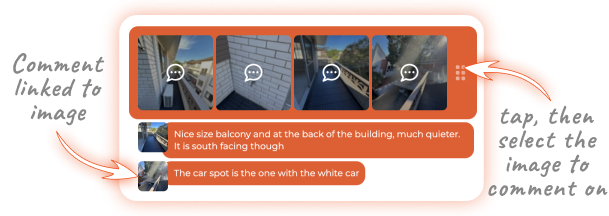
This change makes it much easier to add context to your photos while keeping everything properly connected.
Try it out and let me know what you think!
Stay in the loop
We share updates, discuss ideas, and post new articles across our community channels. Follow us to be the first to know.